

Trek Learning Student Certification
An interactive course teaching students to think critically and use AI responsibly. This course covers digital safety, academic integrity, and how to evaluate AI output for misinformation and bias.
Student Tools:
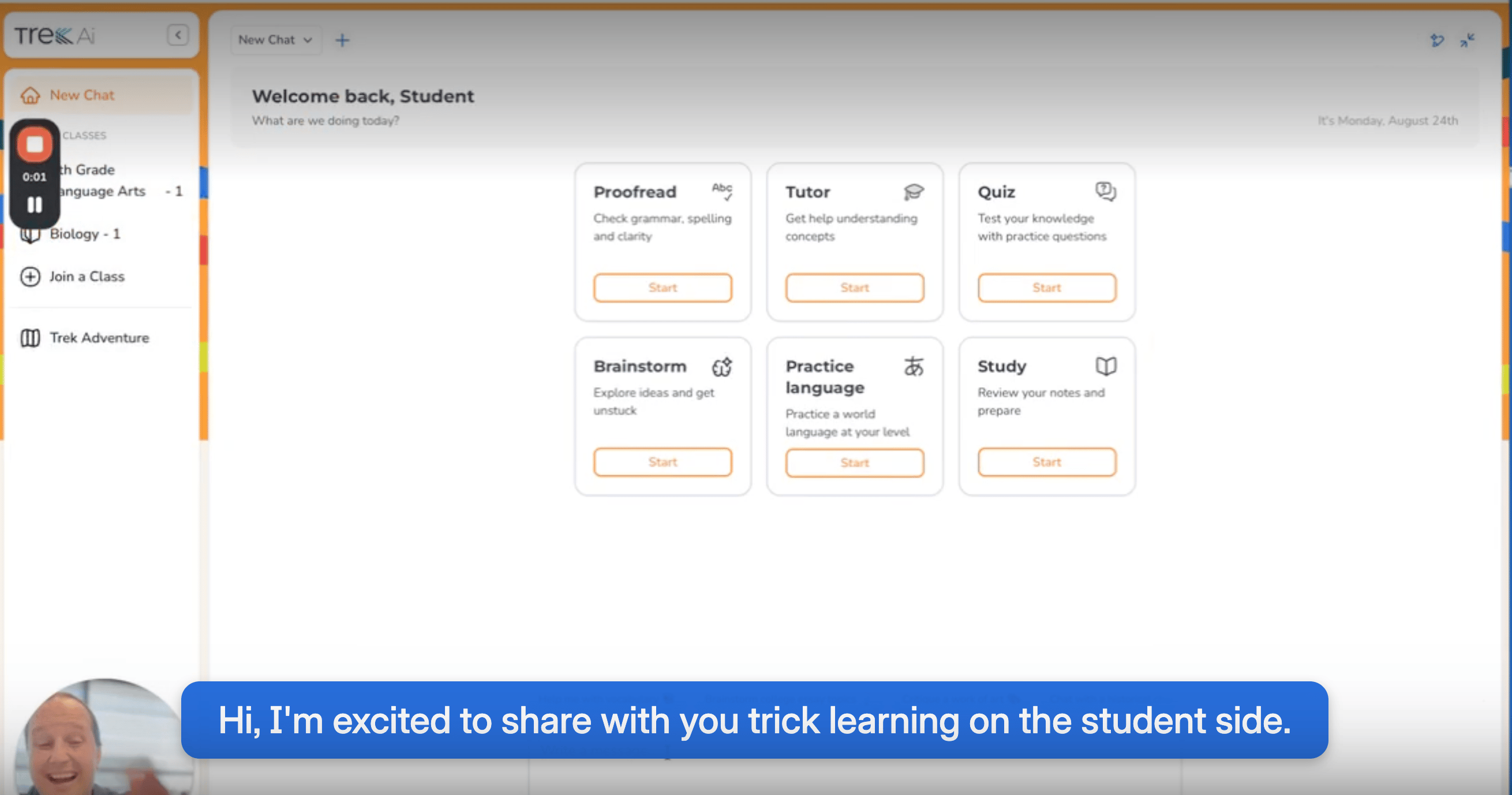
How Trek Helps Students Learn Faster
See how Trek Learning guides students step-by-step using teacher-uploaded content and linked textbooks — plus features like rubric-based paper review, review-guide quizzes, and text-to-speech and multilingual support.
Core Learning Tools
Core Learning Tools
- Proofread – Reviews written work and provides feedback on grammar, clarity, and structure.
- Tutor – Offers personalized, on-demand help by answering questions and guiding students through problem-solving.
- Quiz – Generates customized practice quizzes on any topic to reinforce learning.
- AI Chat – Real-time, open-ended conversation for exploring ideas or working through schoolwork.
Assignments & Progress
Assignments & Progress
- All Assignments – View and complete tasks shared by teachers.
- Chat History – Revisit past conversations to track learning progress.
Uploads & Materials
Uploads & Materials
- My Uploads – Access previously uploaded files for reuse in activities.
- My Sections – View current course enrollments connected to TrekAi.
- Upload Image / Upload Document – Add materials to power personalized tutoring, proofreading, or study activities.
Personalization
Personalization
- TrekAi Personality – Lets students choose a tone/style that makes learning more engaging.
Specialized Tools
Specialized Tools
- College Essay Brainstormer – Helps generate and refine ideas for college application essays through guided questions and feedback.
Trek Student Training Guide
Full guide to Trek Learning’s student-side tools, including Proofread, Tutor, Quiz, and AI Chat.
Trek Student Slide Deck
Ready-to-use deck introducing Trek Learning and AI integrity to students.
Trek Student Shareable Activities
Video walkthrough of how students find assignments, submit work, and get rubric-based feedback from Trek Learning.